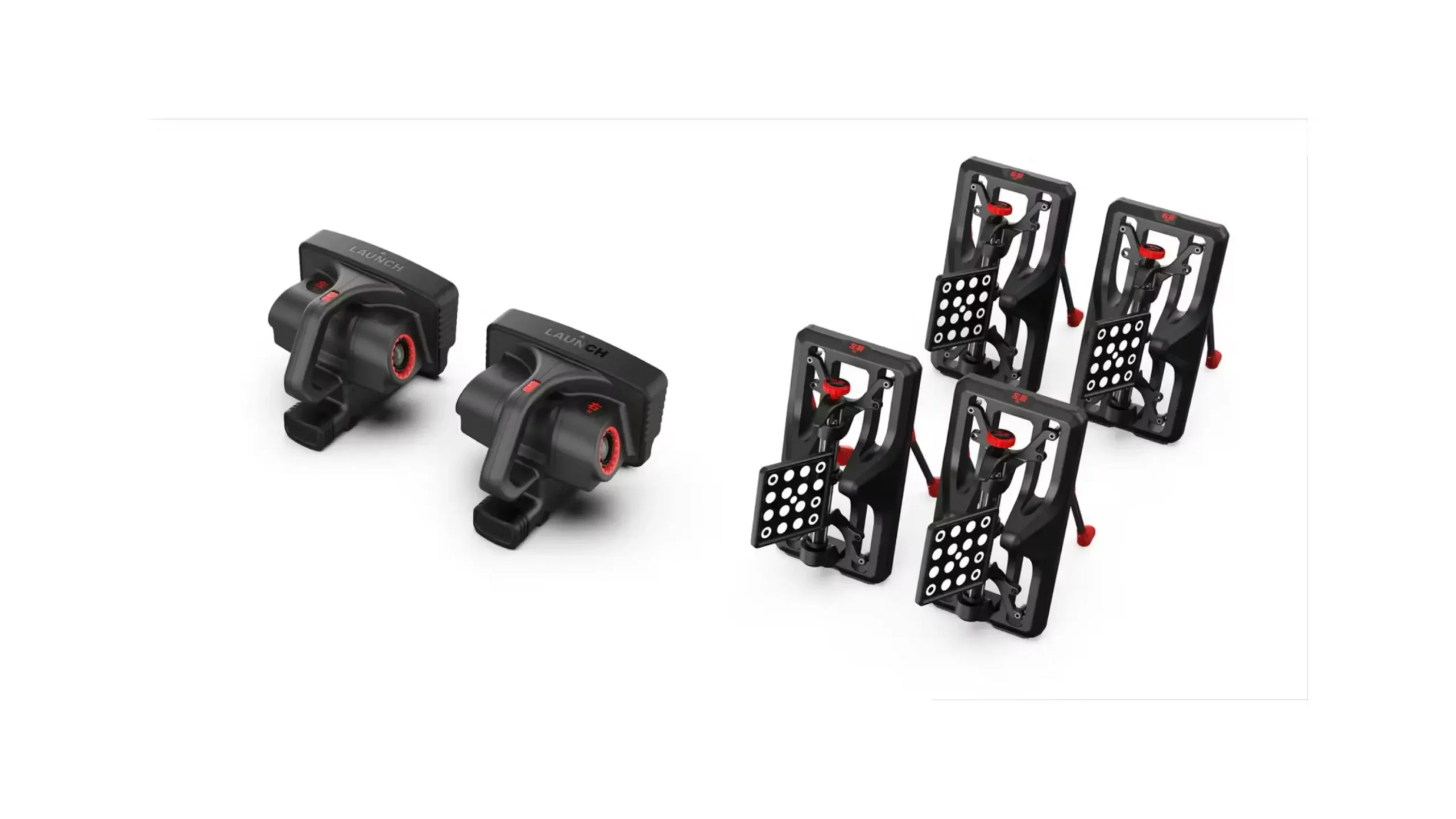
ADAS Mobile Plus
 ADAS HD
 Radar 3-in-1
 ADAS Pro Plus
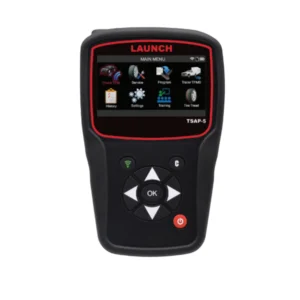 tsap-5
 TSAP-3
 Launch TPMS Sensor
 TTH-84 EV Tool Cart
 Diagnostic Add On Kit
 Modularized Wireless Equalizer – EVB 624
 EV Battery Airtightness Tester – EVT511
 EV Battery Pack Module Charging & Discharging Equipment – EVP711
 Intelligent Digital Power Supply – ELA400
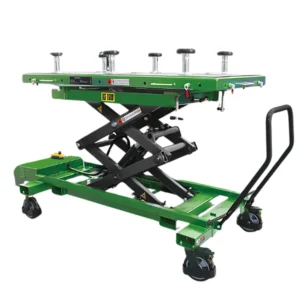 EV Battery Pack Lift – TLT615A
 EV Tool Cart – TTH116
 Professional Insulation Tester – ES200
 EV Clamp – EG100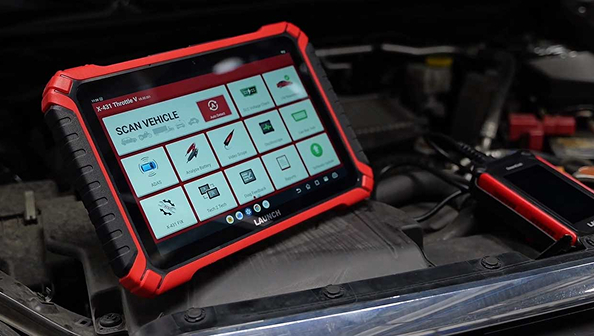
Types of Car Diagnostic Scan Tools Explained
When your dashboard lights up with a warning symbol, it can feel like your car is speaking a different language. In the past, only dealerships had the equipment to understand these signals. Today, high-quality scan tools for vehicles allow anyone from a home hobbyist to a master technician to communicate directly with a car’s computer.
However, not all tools are created equal. If you are looking for Launch Tech equipment, you will find a wide range of devices from small handhelds to advanced diagnostic tablets. Understanding the different types of scan tools is the first step toward faster repairs and smarter maintenance.
In this guide, we will explain the different categories of diagnostic tools, why they are important for your garage, and how to choose the best one for your needs.
What are car diagnostic scan tools
A car diagnostic scan tool is an electronic device that plugs into a vehicle’s OBD-II (On-Board Diagnostics) port. This port is almost always located under the dashboard on the driver’s side. Once connected, the tool talks to the vehicle’s Electronic Control Units (ECUs), the computers that manage everything from the engine and transmission to the airbags and brakes.
dedication as the company moves forward into its next phase of growth.
The primary job of these types of scan tools is to pull data from the car. This data includes Diagnostic Trouble Codes (DTCs), which are the specific codes that tell you why a warning light is on. Modern tools also show live sensor readings and allow you to perform handshake procedures to let the car know you have installed a new part.
To find the right tool for your specific needs, visit our main categories:
- Professional Diagnostics: For shop owners and master technicians looking for the X-431 series.
- DIY Consumer Tools: For enthusiasts and home mechanics who need the Creader series.
- Heavy Duty Scanners: For diesel mechanics and fleet management.
- Specialty Tools: For TPMS, Battery Testing, and ADAS calibration.
Why having the right tool matters
Choosing the right diagnostic tool is about more than just reading a code; it is about having the right level of access to the vehicle’s brain. Here is why the distinction matters:
- Cost Savings: Using the right tool helps you find the exact part that is failing. This prevents the parts cannon approach, where you keep buying and replacing things, hoping the light goes away.
- Deep System Access: Basic tools only see the engine. Advanced types of scan tools can access the ABS, Airbags, and Transmission, which are critical for safety.
- Future Proofing: Modern cars (especially those made after 2020) use new communication languages like CAN FD and DoIP. If your tool does not support these, it will not be able to talk to newer vehicles.
- Time Efficiency: For a professional shop, a fast scanner like the Launch X-431 Throttle V can perform a Health Report on all systems in seconds, allowing you to bill more hours and fix more cars.
Common use cases for diagnostic equipment
Different situations require different levels of diagnostic power. Here is how you might use various tools in the real world:
- The Pre-Purchase Inspection: If you are buying a used car, a portable DIY tool allows you to check if the seller recently cleared any major engine codes to hide a problem.
- Brake Maintenance: Many modern cars use electronic parking brakes. You cannot simply push the brake piston back by hand; you need a scan tool to retract the electronic motor so you can change the pads.
- Battery Registration: When you put a new battery in a BMW or Audi, the car needs to be told that a new battery is present so it can adjust the charging rate. This requires a tool with Maintenance Reset functions.
- Advanced Troubleshooting: If a car’s air conditioning is not working, a professional-grade tool can perform a Bi-Directional Test to command the A/C compressor to turn on. If it turns on, you know the part is good, and the problem is likely a sensor or a wire.
Comparing the four main types of scan tools
At Launch Tech USA, we categorize our tools to fit the specific needs of our users. Here is a comparison of the four main types you will find in the industry:
Basic Code Readers
These are the most entry-level types of scan tools. They are usually simple, corded devices with a small screen.
- Main Goal: To read and clear the Check Engine light.
- Who it is for: Drivers who want to know if their car is safe to drive to a shop.
- Limitations: They usually cannot see the Airbag (SRS) or Brake (ABS) data.
DIY and Enthusiast Tools
The Creader line from Launch Tech USA is designed for the serious home mechanic. These tools offer a balance of price and performance.
- Main Goal: Full system scanning and basic maintenance resets.
- Capabilities: These can often read ABS and SRS codes and perform common tasks like oil light resets or steering angle calibrations.
- Hardware: Often handheld with a color screen or a Bluetooth dongle that works with your phone.
Professional Diagnostic Tablets
These are the workhorses of the automotive industry. Tools like the Launch X-431 Throttle V or Torque Link are high-speed tablets built for daily shop use.
- Main Goal: Full vehicle diagnostics, coding, and bi-directional control.
- Capabilities: They support the latest protocols (CAN FD/DoIP), allow for ECU coding (teaching the car new parts), and provide access to Secure Gateways for brands like FCA (Jeep/Dodge/Chrysler).
- Hardware: Ruggedized tablets with long battery life and wireless VCI (the part that plugs into the car).
Heavy Duty and Specialty Tools
Standard cars use a 12V system, but semi-trucks and heavy machinery use 24V systems. These specific types of scan tools are built with different hardware to handle the higher voltage and different communication protocols used in the trucking industry.
Example: The X-431 Torque AutoHD Pro can handle both passenger cars and heavy-duty trucks in one device.
Frequently asked questions about scanners
What is the difference between an OBD2 scanner and a Scan Tool?
An OBD2 scanner is a general term often used for basic code readers. A Scan Tool usually refers to a more advanced device that can look at live data, perform resets, and talk to systems beyond just the engine.
Will a Launch Tech tool work on my specific car?
Launch Tech is famous for having some of the widest vehicle coverage in the world. Our professional tools support over 100 different car brands, including domestic, Asian, and European models.
Do these tools need Wi-Fi to work?
You do not need Wi-Fi to scan a car, but you do need it to download software updates or use Online Coding features. Most professional Launch tools have built-in Wi-Fi for easy one-click updates.
Can I use a professional scanner if I am not a mechanic?
Yes. While the software is very powerful, Launch Tech USA designs its interface to be intuitive. If you can use an Android tablet, you can use a Launch scan tool.
Conclusion
Understanding the different types of scan tools is essential for anyone looking to maintain or repair modern vehicles. Whether you need a simple Creader for home oil changes or an X-431 tablet for a high-volume repair shop, choosing the right level of technology ensures you can diagnose problems accurately and safely.
Find the most reliable diagnostic equipment for your workshop at Launch Tech USA.