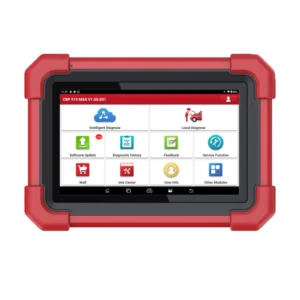
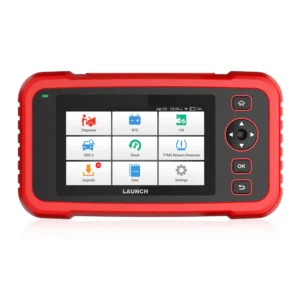
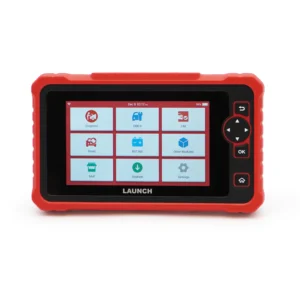
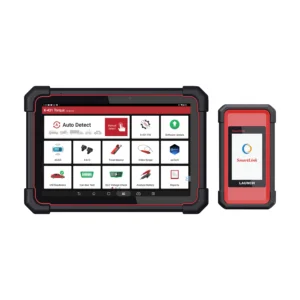
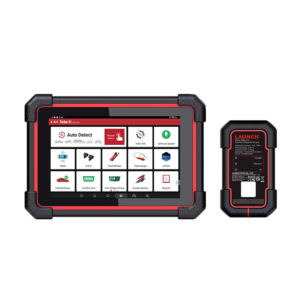
ADAS Mobile Plus
 ADAS HD
 Radar 3-in-1
 ADAS Pro Plus
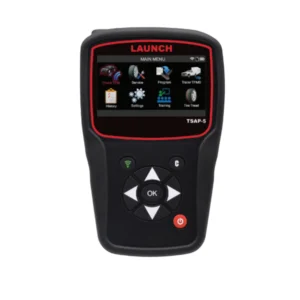 tsap-5
 TSAP-3
 Launch TPMS Sensor
 TTH-84 EV Tool Cart
 Diagnostic Add On Kit
 Modularized Wireless Equalizer – EVB 624
 EV Battery Airtightness Tester – EVT511
 EV Battery Pack Module Charging & Discharging Equipment – EVP711
 Intelligent Digital Power Supply – ELA400
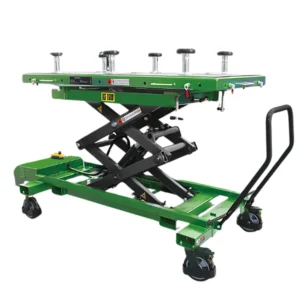 EV Battery Pack Lift – TLT615A
 EV Tool Cart – TTH116
 Professional Insulation Tester – ES200
 EV Clamp – EG100
SECURE GATEWAY MODULE
NO MORE RESTRICTIONS
ACCESS
GRANTED
Launch Tech USA works with AutoAuth to allow independent technicians the ability to use their Launch diagnostic scan tools to perform diagnostic procedures on vehicles, such as:

CLEAR DTCS

CALIBRATIONS
RELEARNS
ACTUATIONS

ADJUSTMENTS
Whether you are from the United States, Canada or Mexico, we’ve got you covered. All of our professional-line Launch scan tools have the ability to access the Secure Gateway Module to perform these high-level diagnostics
3 STEPS TO ENTER THE GATEWAY
FOLLOW THESE STEPS TO AUTHENTICATE YOUR LAUNCH SCAN TOOL WITH THE SGW
Register your Shop&Techs accounts and add users (Techs) to Shop.
Shop Owner Instructions:
Register your Shop account at AutoAuth.com.
Six users are allowed access on the shop account and you
are automatically covered.
Technicians Instructions:
Register your individual user account at AutoAuth.com. Upon completion, inform your shop owner of your username and Launch scan tool serial number so they may add you to the shop account.
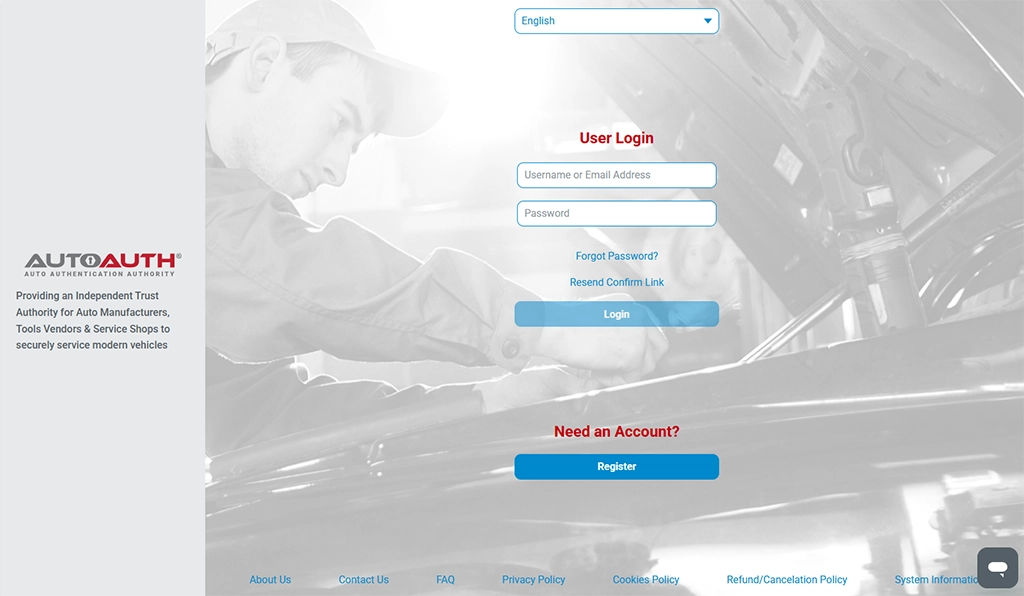

Add your Launch Tech USA scanners to your shop profile in AutoAuth.
The shop owner will be able to add the technician’s Launch scan tools to the shop profile. This will allow all of the technicians in the shop to have access to the SGW with their Launch Scan Tool.
Select 'Launch' as the manufacturer and the appropriate tool model from the dropdown menus. Input the tool's serial number.

Log in to AutoAuth on your Launch Tech USA tablet.
When running a diagnosis, enter your login credentials from AutoAuth when prompted. Be sure to have a stable network connection to avoid any connectivity issues and delays.